Wi-Fi 6 and Wi-Fi 7 for a home office
Wi-Fi 6 and Wi-Fi 7 are the two most recent Wi-Fi generations for home networks. Wi-Fi 7 adds wider channels, multi-link operation, and higher-order QAM compared to Wi-Fi 6. Choosing between them depends on device support, coverage needs, and the level of security required for a home office.
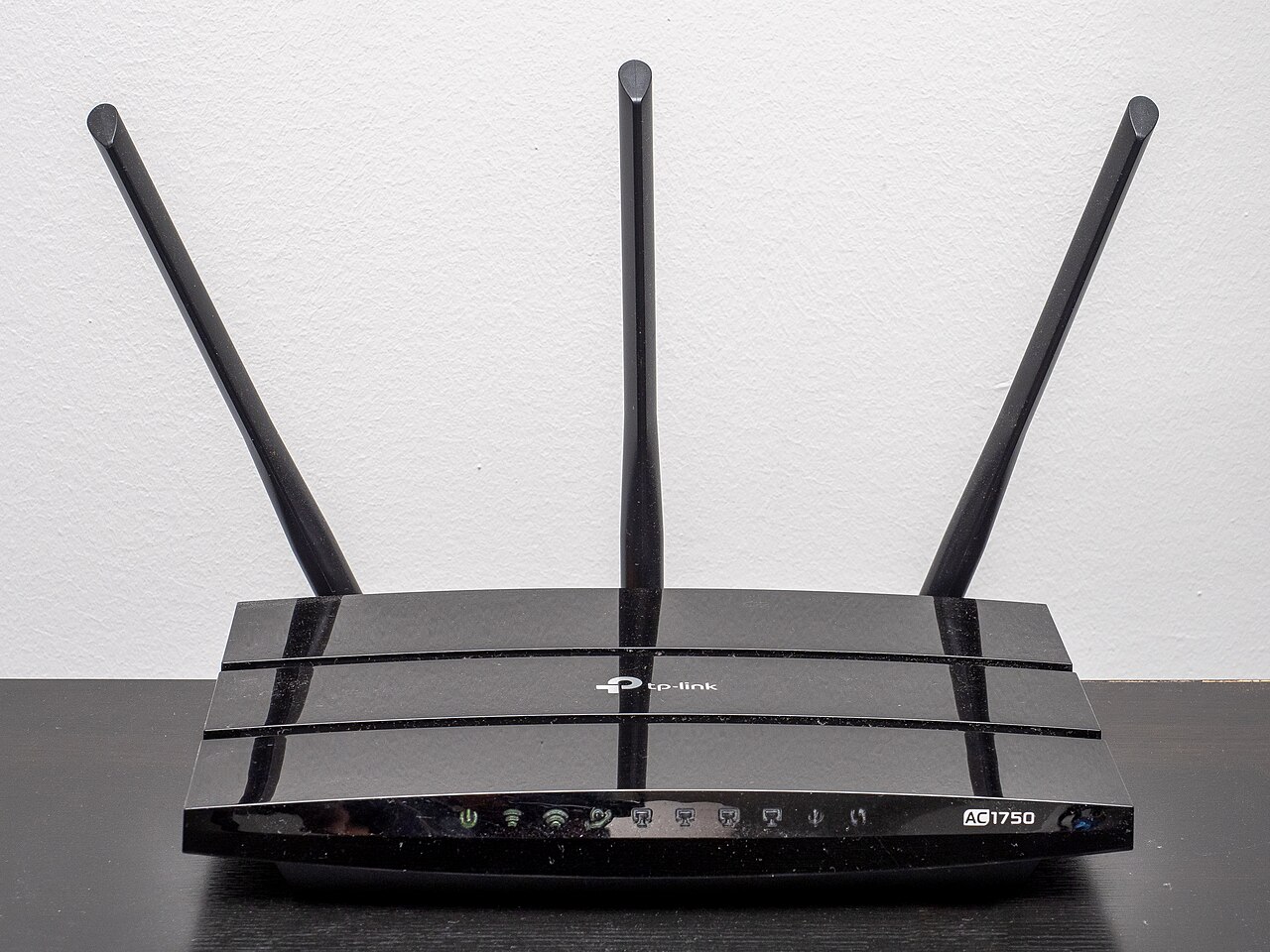
.jpg)
What Wi-Fi 6 offers
Wi-Fi 6, introduced a few years ago, improves capacity and efficiency for dense environments. Its key features include orthogonal frequency division multiple access (OFDMA), multi-user MIMO, 160 MHz channel support, target wake time, and 1024 QAM modulation. These technologies help an access point serve many devices at once and reduce latency, as described by the Wi-Fi Alliance's Wi-Fi 6 overview.
For a home office, Wi-Fi 6 handles concurrent video calls, cloud backups, and IoT devices without significant congestion. Target wake time also extends battery life for battery-powered clients, which is useful for wireless peripherals. Wi-Fi 6 added operation in the 6 GHz band, giving access to less crowded spectrum when the router and devices support it.
What Wi-Fi 7 adds
Wi-Fi 7 builds on Wi-Fi 6 features for higher throughput and lower latency. The Wi-Fi Alliance's Wi-Fi 7 page lists 320 MHz channels in the 6 GHz band, multi-link operation (MLO), 4K QAM, 512 Compressed Block Ack, and multiple resource units per station. These features enable multigigabit device speeds and better performance in crowded venues.
For a home office, Wi-Fi 7 can support ultra-high-definition video streaming, large file transfers, and advanced applications. MLO balances traffic across links for more reliable connections, and 4K QAM increases data rates by about 20% compared to Wi-Fi 6's 1024 QAM.
Security for home office networks
Wi-Fi security protocols are part of the certification process. The Wi-Fi Alliance's security page explains that WPA3 is mandatory for certified devices, providing stronger authentication and protected management frames. It also describes Wi-Fi Enhanced Open for unauthenticated data encryption on open networks.
Small businesses and home offices can find cybersecurity guidance from NIST's Small Business Cybersecurity Corner, which offers resources for risk assessment and mitigation. To secure a home office network, enable WPA3 encryption, use a long random passphrase, keep firmware updated, and consider separating guest devices from work devices.
Choosing equipment for a home office
Look for routers and devices that carry the Wi-Fi CERTIFIED logo, ensuring they meet interoperability and security requirements from the Wi-Fi Alliance. For home offices with many clients, a router that supports both Wi-Fi 6 and Wi-Fi 7 can serve older devices while preparing for future upgrades.
Managed network hardware like Ubiquiti's UniFi offers scalable access points and central management without subscription fees, which suits small offices that want control over their network. For a practical comparison of routers for different needs, the router roundup at Best Router includes Wi-Fi 7, mesh kits, and travel picks.
| Feature | Wi-Fi 6 | Wi-Fi 7 |
|---|---|---|
| Maximum channel width | 160 MHz | 320 MHz in 6 GHz |
| Modulation | 1024 QAM | 4K QAM |
| Multi-link operation | Not specified | Yes |
| Target wake time | Yes | Not specified |
| Compressed block acknowledgment | Not specified | 512 Compressed Block Ack |
Frequently asked questions
Is Wi-Fi 7 backward compatible with older devices?
Wi-Fi 7 routers support earlier Wi-Fi generations, so older devices can connect. The full benefits of Wi-Fi 7, such as 320 MHz channels and multi-link operation, only appear when both the router and the client support them.
Do all devices need to be Wi-Fi 6 or 7 to benefit from the router?
No. A Wi-Fi 6 or 7 router can serve older devices, but features like OFDMA and MU-MIMO require compatible clients. When multiple older devices connect, the router's scheduling still improves overall efficiency, though not to the full extent possible with newer clients.
How can someone verify that a router supports Wi-Fi 6 or 7?
Check for the Wi-Fi CERTIFIED logo and the generation number on the product label or spec sheet. The Wi-Fi Alliance certifies devices that meet interoperability and security requirements, so certification provides a guarantee of baseline performance and security.
Which is better for a home office, Wi-Fi 6 or Wi-Fi 7?
Wi-Fi 7 offers higher throughput and lower latency, but it requires Wi-Fi 7 capable devices to use its new features. If the home office uses older laptops and phones, Wi-Fi 6 provides solid performance and broader compatibility. If new devices support Wi-Fi 7, upgrading can future-proof the network.