UPS sizing: VA, watts and runtime
Sizing a UPS requires understanding the difference between apparent power (VA) and real power (watts). The power factor of connected equipment determines this relationship. Home lab owners must total the load, add a safety margin, and consider runtime, battery health, and monitoring options such as Network UPS Tools.
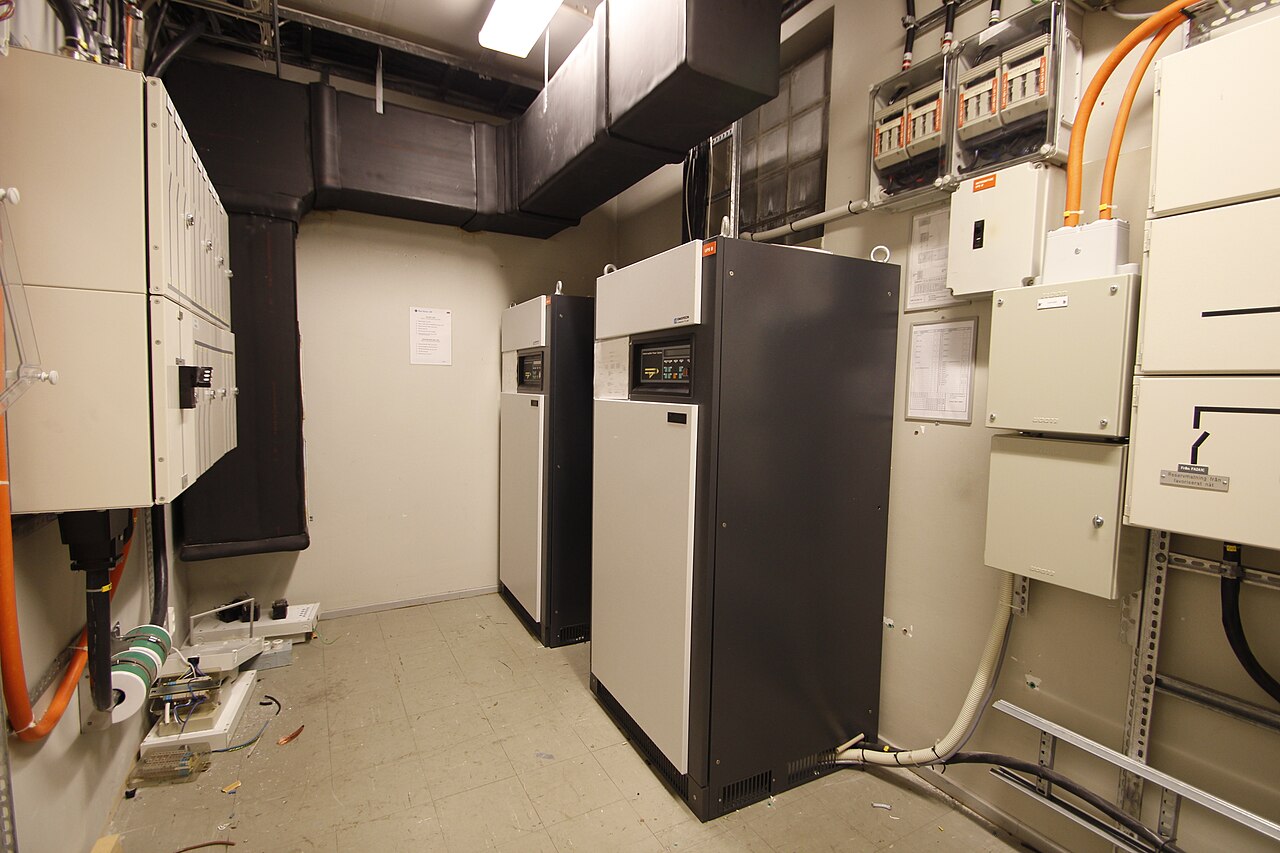

Understanding VA and watts
An uninterruptible power supply (UPS) protects connected computers, servers, and telecommunications equipment from power outages, according to ENERGY STAR's UPS page. The choice of UPS depends on the type, number, and size of equipment, the features required, and the length of uptime needed during an outage.
UPS ratings are expressed in volt-amperes (VA) and watts. VA represents apparent power, while watts represent real power. Most electronic loads have a power factor below 1, so the watt rating of a UPS is always less than or equal to its VA rating. ENERGY STAR certification requires a minimum power factor of 90 percent for voltage independent (VI) and voltage and frequency independent (VFI) UPS product types.
Calculating the load
Begin by listing every device to be protected in the home lab. This typically includes a storage server, network switch, router, and possibly a modem. Home lab storage often relies on systems like TrueNAS, whose documentation hub is maintained by the team and community for all TrueNAS projects.
For each device, determine its power draw. Nameplates often list the current in amps, which can be used with the input voltage to estimate VA, but the actual watts drawn may be lower due to power factor. Measuring with a watt meter is more accurate. Ubuntu Server documentation includes guides for networking, storage, and virtualization, which are common components of a homelab server, and it helps to know the expected load from these services.
Selecting a UPS
Add up the watt and VA totals for all devices, then include an appropriate safety margin to accommodate growth and transient loads. Because UPS losses contribute to facility energy use, an efficient unit matters; according to ENERGY STAR's data center storage page, one watt-hour of energy savings at the storage level results in about 1.9 watt-hours of facility-level savings, partly due to reducing losses in the UPS.
When comparing models, check the rated output power in both VA and watts. Also look for features such as a communication port, smart software, and surge protection on input and communication lines. Ensure the selected UPS has enough capacity for the load plus the safety margin.
Runtime and battery considerations
Runtime depends on the battery capacity and the connected load. A higher load reduces the backup time. Battery lifetime is strongly temperature dependent, with a 50 percent decrease for every 15 degrees rise in temperature, as noted in ENERGY STAR's buying guidance.
To extend runtime, choose a UPS with a higher capacity or one that supports external battery packs. Make sure the UPS performs automatic battery tests to warn when batteries should be replaced.
Monitoring and shutdown
For an unattended home lab, the UPS should initiate an orderly shutdown of connected servers when battery power is low. Network UPS Tools (NUT) provides configuration for automatic shutdowns during low battery events, as documented in its user manual.
NUT allows monitoring of the UPS status and can send alerts. Configure shutdown scripts to ensure data integrity on storage systems such as TrueNAS or Ubuntu servers.
| Step | Description |
|---|---|
| Inventory equipment | List all devices to be protected, including servers, switches, routers, and modems. |
| Determine power draw | For each device, find the watts and VA from nameplate, manual, or a watt meter. |
| Sum the totals | Add up the watts and VA across all devices. |
| Add a safety margin | Increase the total by a reasonable amount to allow for growth and startup surges. |
| Select a UPS | Choose a model with rated watt and VA capacity above the sum. |
| Check features | Verify the UPS includes surge protection, software, and battery testing. |
Frequently asked questions
What is the difference between VA and watts on a UPS?
VA is apparent power, watts is real power. The power factor of the connected equipment determines the ratio; many electronic devices have a power factor below 1.
How is the size of a UPS calculated?
The sum of the watts and VA of all devices is calculated, a safety margin is added for growth, and a UPS with ratings above those totals is selected.
Does battery runtime depend on temperature?
Yes, battery lifetime decreases by 50 percent for every 15 degrees rise in temperature, according to ENERGY STAR.
Can shutdown be automated with a UPS?
Yes, tools like Network UPS Tools allow configuring automatic shutdowns during low battery events.