NAS and RAID basics: redundancy is not a backup
Network attached storage provides shared file access, and RAID adds redundancy against drive failures. However, RAID does not address data loss from deletion, ransomware, or physical disasters. The 3-2-1 backup rule, which calls for three copies on two media with one off-site, remains the standard for complete protection.
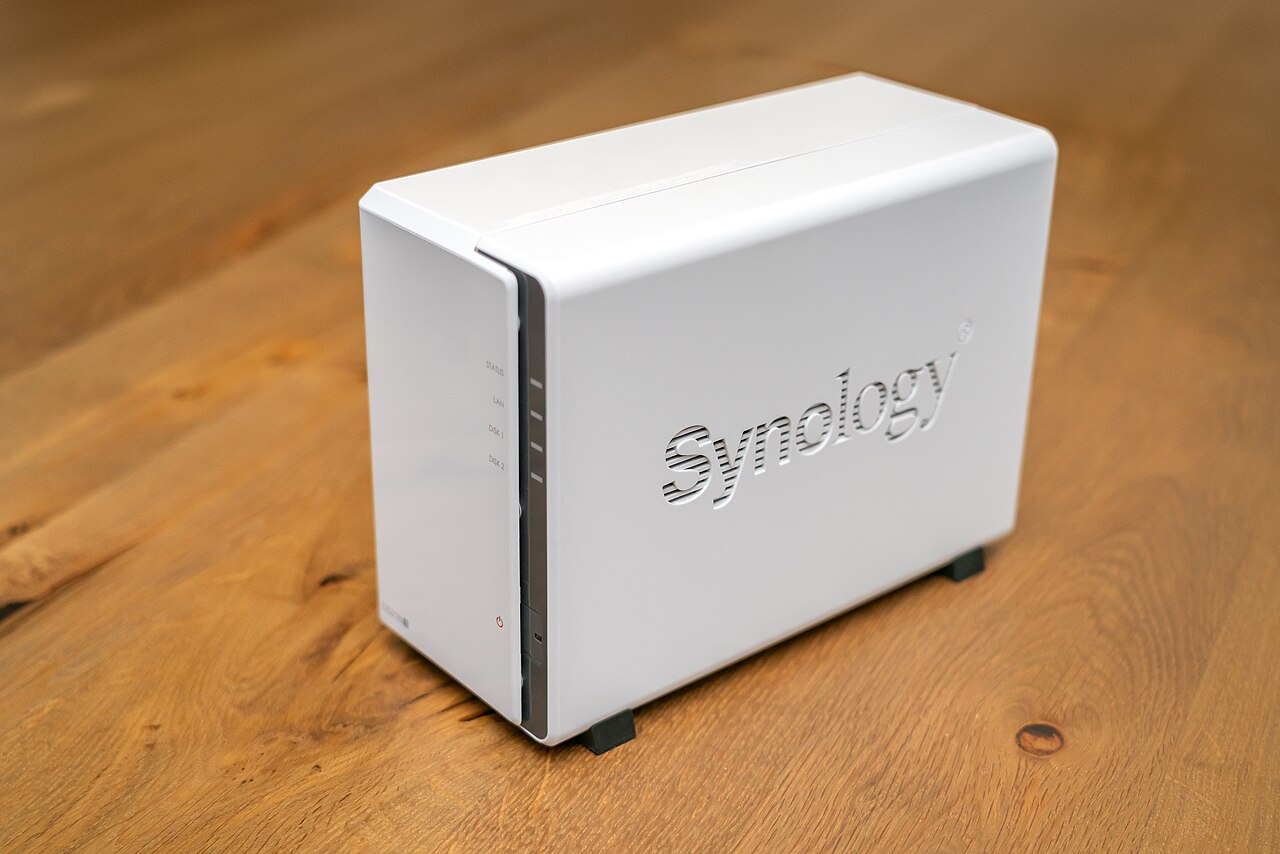

What a NAS provides
Network attached storage (NAS) is a dedicated file server that connects to a local network. Operating systems such as TrueNAS run on this hardware, and the TrueNAS Documentation Hub TrueNAS Documentation Hub maintains manuals for these systems.
A NAS creates a central storage pool that multiple clients can access. It can host shared folders, media libraries, and application data, and it often includes features like snapshots and remote replication.
While a NAS simplifies file access, it does not automatically protect data from loss. The hardware and software configuration determine the level of resilience.
How RAID adds redundancy
RAID combines several disks into a single logical volume. Mirroring duplicates data onto two disks, while parity schemes like RAID 5 can rebuild data after one disk fails.
Disk failures are not rare. Backblaze publishes annualized failure rates for the drives in its data centers Backblaze drive stats, showing that a measurable percentage of drives fail each year. This makes redundancy worthwhile.
RAID is designed solely to tolerate disk failure. It does not guard against accidental deletion, file corruption, ransomware, theft, or fires.
Why redundancy is not a backup
The 3-2-1 backup rule, explained by Backblaze 3-2-1 backup strategy, recommends keeping three copies of data on two different types of media, with one copy stored off-site.
RAID provides one copy of data on the same physical device, or at best mirrored copies in the same cabinet. That does not satisfy the 3-2-1 rule, because all copies reside in one location and are vulnerable to the same physical or software failure.
The 3-2-1 approach protects against human error, hard drive crashes, theft, natural disasters, and ransomware. Redundancy alone cannot address these threats.
Choosing hardware and securing the NAS
Drive interfaces and form factors are defined by standards from SNIA's Small Form Factor committee SNIA SFF specifications. Checking SFF specifications ensures that a chosen drive fits the NAS enclosure and matches its backplane.
Energy efficiency also matters for a device that runs continuously. ENERGY STAR's data center storage criteria ENERGY STAR data center storage describe how efficient storage reduces facility-level energy use.
Since a NAS is networked, security is essential. NIST provides guidance for small business cybersecurity NIST small business cybersecurity, which includes practices such as regular updates, access controls, and backup verification.
| Threat | RAID protection | 3-2-1 backup protection |
|---|---|---|
| Human error | No | Yes |
| Hard drive crash | Yes (if redundant) | Yes |
| Theft | No | Yes |
| Natural disaster | No | Yes |
| Ransomware | No | Yes |
Frequently asked questions
Can RAID replace a backup?
No. RAID only protects against disk failure. The 3-2-1 backup strategy requires separate copies on different media and an off-site copy, which RAID does not provide.
What is the 3-2-1 rule?
It means keeping three copies of data on two different media, with one copy off-site. Backblaze explains this in its blog post on the 3-2-1 backup strategy.
How can a user estimate drive reliability?
Backblaze publishes open-source drive failure statistics, including annualized failure rates, for the drives in its data centers.
Where can someone find technical standards for NAS drives?
SNIA's SFF specifications define drive form factors and connectors. Checking these documents helps ensure compatibility.