Laptop, desktop or mini PC as a developer workstation
Choosing a developer workstation involves balancing portability, upgradeability, and energy use. Desktops offer easy upgrades and high performance per dollar, while laptops provide mobility at a higher cost. Mini PCs are compact but often limit expansion.
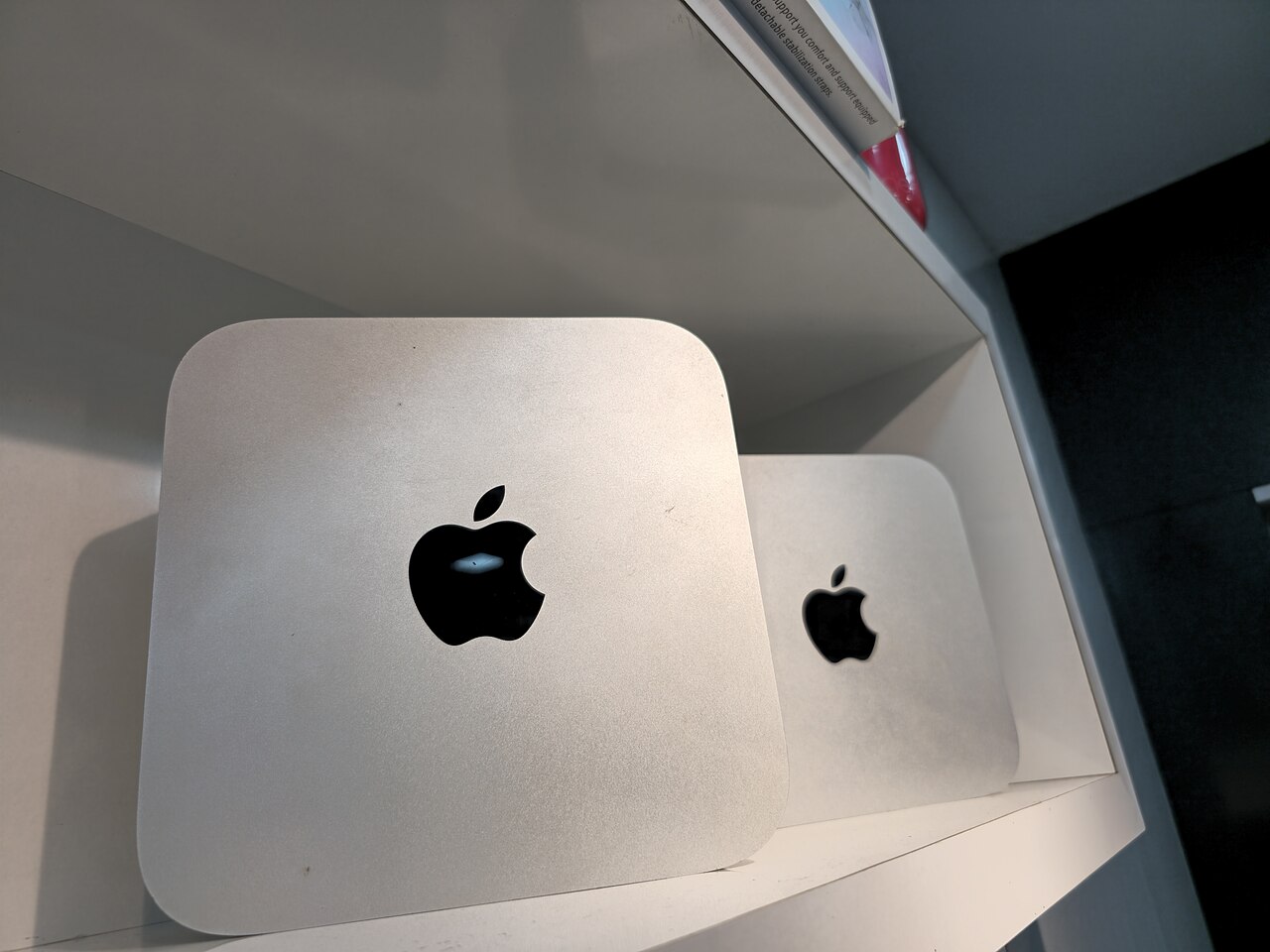

Form factor and upgradeability
Desktops generally deliver more performance per dollar and are easier to repair and upgrade, as noted in ENERGY STAR's computer guidance. They allow a larger screen and a more ergonomic workspace. Laptops trade that for portability, but they cost more than comparably equipped desktops and are more expensive to repair. Mini PCs, often classified as compact desktops, are half the size of full-sized models but also more difficult to upgrade and repair.
Platform longevity is a key consideration. AMD's AM4 socket set a precedent for long-term support, and the company says its AM5 platform offers multi-year socket support with DDR5 and PCIe 5.0 (AMD's Ryzen desktop page). In laptops, components are frequently soldered, limiting memory and storage upgrades.
For developers who prefer a ready-made system without assembling parts, prebuilt desktop PCs come in a range of configurations, from compact to full towers. These often balance upgradeability with cost.
Performance and energy considerations
High-performance laptops exist, such as the MacBook Pro with unified memory configurable up to 128GB and a 16-core Neural Engine (Apple's MacBook Pro specs). Desktops can be configured with multiple drives and high-end graphics, but laptops are narrowing the gap in raw processing power.
Any workstation must meet the minimum system requirements for Windows 11, including 4GB RAM, 64GB storage, and a TPM 2.0 chip (Microsoft's Windows 11 requirements). These are baseline specs; development workloads often need much more.
Mini PCs typically have lower power draw due to smaller components, but they may sacrifice performance. The right choice for energy-conscious developers is to look for certified efficient models, though the exact savings vary by usage.
Connectivity and standards
USB4 is a major update to USB, enabling up to 80 Gbps over certified cables and supporting multiple data and display protocols simultaneously (USB-IF's USB4 page). This affects how developers connect external storage, monitors, and docks.
Desktops and many mini PCs offer multiple internal PCIe slots and USB ports, while laptops depend on Thunderbolt or USB4 for high-bandwidth I/O. Portable workstations often rely on a single high-bandwidth port for expansion.
Choosing a workstation
The table below summarizes the key trade-offs among laptops, desktops, and mini PCs. Use it as a quick reference when narrowing down options for a developer workstation.
A typical selection process starts with portability needs, then moves to upgrade requirements, energy efficiency, and connectivity. The flow diagram illustrates these steps.
| Form factor | Upgradeability | Energy efficiency | Performance | Portability |
|---|---|---|---|---|
| Laptop | Limited (memory often soldered) | Varies by model | High | High |
| Desktop | High (easy to replace parts) | Varies by components | Highest per dollar | Low |
| Mini PC | Limited (compact case) | Generally lower | Medium | Medium |
Frequently asked questions
Is a desktop always faster than a laptop?
Not always; high-end laptops can match desktops in some workloads, but desktops offer more performance per dollar and easier upgrades.
Can a mini PC be upgraded?
Many mini PCs have limited internal space, so memory and storage upgrades may be possible, but CPU and GPU upgrades are usually not.
What are the minimum system requirements for Windows 11?
A compatible processor at 1 GHz or faster with 2 cores, 4 GB RAM, 64 GB storage, UEFI and TPM 2.0, and a DirectX 12 graphics card.
How does USB4 benefit developer peripherals?
USB4 provides high bandwidth up to 80 Gbps, enabling simultaneous data and display connections over one cable.
What energy savings can energy-efficient computers offer?
Certified models typically use about 30-40% less energy than standard models, though exact savings depend on usage.