DDR4, DDR5 and Memory Channels
DDR5 doubles the data rate of DDR4, offering higher bandwidth and capacity. Memory channels determine how many sticks the CPU can use in parallel. Check the motherboard and CPU specs to know the channel count and supported memory type.
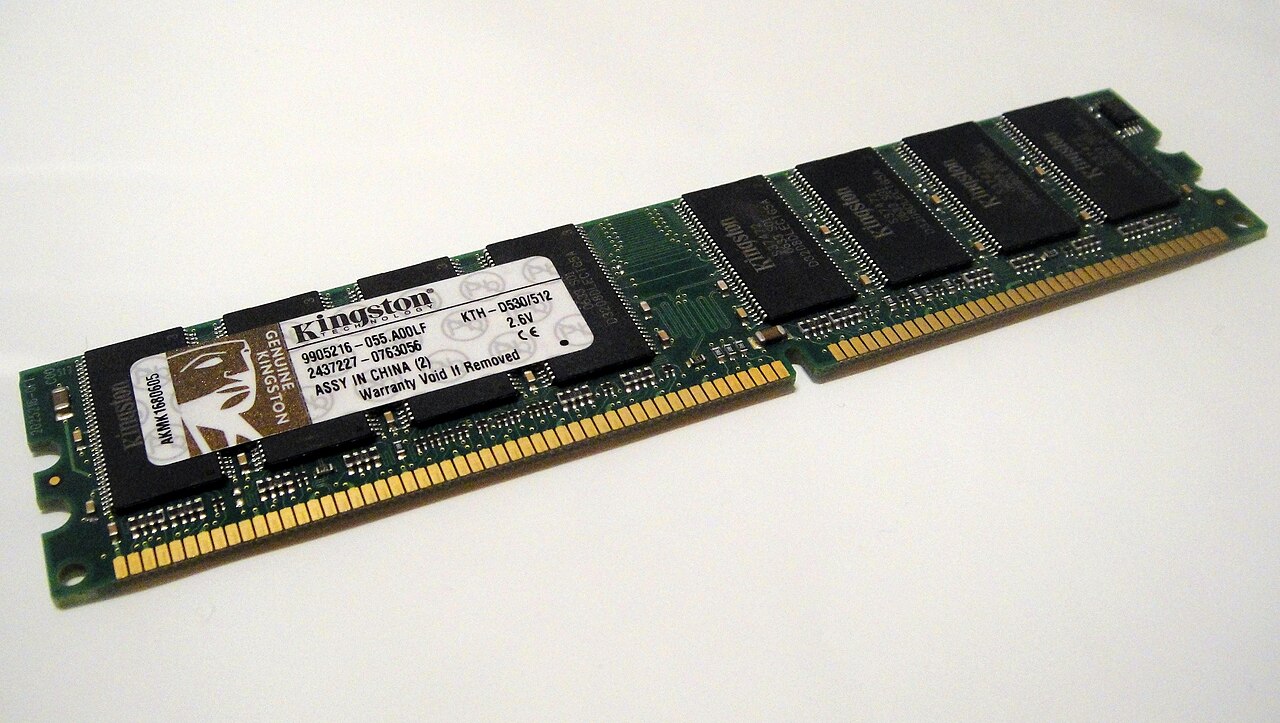

DDR4 vs DDR5 Basics
DDR4 and DDR5 are generations of double data rate synchronous DRAM. DDR5 is the newer standard, designed to deliver higher bandwidth and improved power efficiency. Micron's DDR5 page states that DDR5 can provide roughly double the memory bandwidth of DDR4 running at 3200 MT/s.
DDR5 modules use a different physical design, including a different pin layout, so they are not backward compatible with DDR4 slots. A motherboard supports either DDR4 or DDR5, not both. The memory controller in the CPU determines the supported type and speed.
When choosing memory, check the motherboard's specification for the supported memory type and the CPU's official memory support list. For example, AMD's Ryzen desktop processors page mentions that the AM5 platform supports high-speed DDR5 memory.
Memory Channels Explained
A memory channel is a physical path between the CPU's memory controller and the RAM modules. Most consumer CPUs support two channels (dual-channel), while some high-end desktop and server platforms support four or more. The channel count is a property of the CPU and the motherboard's wiring.
To use all channels, install one module per channel. For a dual-channel system, two identical modules are needed. Using fewer modules than channels reduces bandwidth. The motherboard manual or the CPU's specification sheet lists the number of channels.
Memory channels affect performance in tasks that are sensitive to memory bandwidth, such as gaming and content creation. The SPEC CPU 2017 benchmark stresses the processor, memory subsystem, and compiler, so results can reflect memory channel configuration differences.
Overclocking and Profiles
Memory overclocking allows running modules above their standard JEDEC speeds. AMD EXPO (Extended Profiles for Overclocking) is a technology for DDR5 on AM5 motherboards that provides one-touch overclocking profiles. AMD's EXPO page explains that it was developed for user-friendly memory overclocking on AMD Ryzen processors.
EXPO profiles store timings, voltage, and frequency settings that the motherboard can load automatically. This simplifies the process of enabling higher memory speeds. The memory kit must support EXPO, and the motherboard must have the option in its BIOS.
Overclocking can void warranties and carries risks, as noted in AMD's footnotes. Always check the CPU and motherboard support lists for validated memory kits.
Checking Specs and Compatibility
To determine the memory channels and supported type, consult the motherboard's specification page or manual. It will state the number of DIMM slots and the channel architecture. The CPU's official page also lists memory specifications, such as the maximum supported speed and channel count.
For a complete build, consider the motherboard's form factor and memory layout. WikiMotherboard's motherboard reference provides details on sockets, sizes, and memory support for various motherboards, which can help in planning a build.
Energy efficiency is another consideration. ENERGY STAR's computer criteria notes that certified computers use about 30-40% less energy than standard models, partly through efficient components. Memory power consumption is small but contributes to overall system efficiency.
| Feature | DDR4 | DDR5 |
|---|---|---|
| Data rate | Up to 3200 MT/s (typical) | Up to 9200 MT/s (RDIMM) |
| Bandwidth | Baseline | Up to 2x DDR4 at 3200 MT/s |
| Module pins | Different key | Different key |
| Voltage | 1.2V | 1.1V (lower) |
| Channel architecture | Single channel per module | Two channels per module (internal) |
Frequently asked questions
Can DDR5 be used in a DDR4 slot?
No, DDR5 modules have a different physical key and voltage, so they are not compatible with DDR4 slots.
How many memory channels does a typical desktop CPU have?
Most consumer desktop CPUs support dual-channel memory, meaning two modules can be accessed in parallel.
What is AMD EXPO?
AMD EXPO is a technology for DDR5 memory overclocking on AM5 motherboards, providing one-touch profiles for higher speeds.
Does memory speed affect gaming performance?
Yes, higher memory bandwidth can improve frame rates in CPU-bound games, but the effect varies by game and system.
How can a user know if a motherboard supports dual-channel?
Check the motherboard manual or specification page; it will list the memory architecture and number of channels.