Airflow and cooling basics for a quiet workstation
A quiet workstation depends on reducing heat at the source and managing airflow. Efficient power supplies, processors, and operating system thermal management all contribute. This article outlines practical steps based on manufacturer and government guidance.
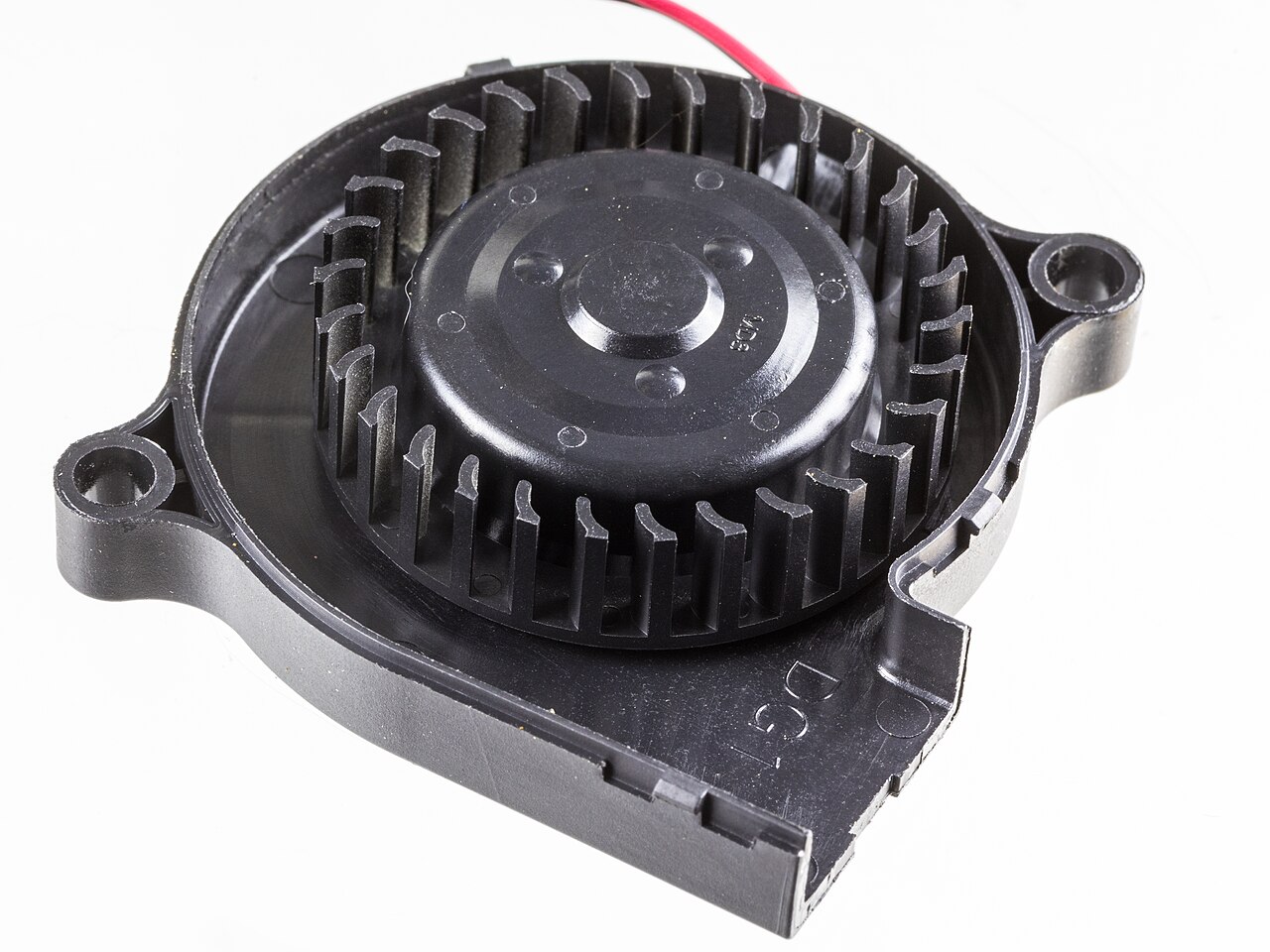

Start with components that generate less heat
Efficiency reduces heat: ENERGY STAR certified computers use about 30-40% less energy than standard models because they use efficient components and manage idle power well, as described in ENERGY STAR's computer guidance. Less energy consumed becomes less heat to remove.
Processor efficiency: AMD notes that Ryzen 7000 series processors can achieve up to 49 percent better performance at the same power draw compared to the previous generation, with an exclusive Eco-Mode for lower power use, per AMD's Ryzen page. Lower power use means lower heat output.
Power supply efficiency: The CLEAResult 80 PLUS certification program rates internal power supplies by efficiency, from Standard to Titanium and Ruby. Higher efficiency ratings indicate a PSU wastes less input power as heat, reducing the thermal load inside the case.
Plan airflow inside the case
The goal is to move cool air over heat sinks and out of the case. While no single standard defines ideal airflow, the principles of positive pressure and clear intake and exhaust paths apply. Avoid obstructing fan grilles and keep cable runs tidy.
The Windows thermal management framework, as described on Microsoft Learn's thermal management page, emphasizes that a PC should be quiet while idle, meaning fans should not spin in low-power states. This suggests that case airflow should be sufficient to allow passive cooling at low loads.
For fan placement, a common arrangement is an intake fan at the front lower area and an exhaust fan at the rear upper area. Heated air rises, so exhaust near the top helps remove it. However, the actual configuration depends on the case layout and component placement.
Use operating system thermal management
Operating systems provide thermal policies that balance performance and temperature. Microsoft's framework uses five principles: safety, operating range, full-performance experiences, quiet while idle, and diagnosability.
The Linux kernel includes a thermal subsystem with documentation that describes how system temperatures are monitored and how cooling actions are triggered. System administrators can adjust these settings to prioritize low noise.
For a quiet workstation, check the firmware and OS settings to ensure that fan profiles are set to 'silent' or 'balanced' and that thermal throttling is enabled to avoid excessive heat buildup.
Place the workstation for good environment
The workstation's environment affects both comfort and cooling. OSHA's guidance for computer workstations says to maintain appropriate air circulation and to avoid sitting directly under air conditioning vents that dump air on top of the user, as noted in OSHA's workstation environment eTool. This applies to the user, but also to the PC: keeping the case away from heat sources and allowing room for air to move around it helps.
Excess heat in the room makes the PC's intake air warmer, so the case fans have to work harder. Keep the workstation in a well-ventilated room and avoid enclosing it in a cabinet or against a wall.
| Principle | User-facing meaning |
|---|---|
| Safety | The PC never becomes unsafe for a user to handle. |
| Operating range | The PC operates over normal ambient temperature ranges. |
| Full-performance experiences | Core experiences are not compromised under normal conditions. |
| Quiet while idle | Fans do not turn on in low-power states such as Modern Standby. |
| Diagnosability | Thermal mitigations are initiated through OS mechanisms for telemetry. |
Frequently asked questions
How does power supply efficiency affect noise?
Higher efficiency means a PSU wastes less energy as heat, so case fans can run slower to achieve the same cooling.
What does 'quiet while idle' mean in Windows?
Microsoft's thermal management principle says fans should not turn on when the PC is in a low-power state like Modern Standby.
Is positive pressure a good choice for a quiet case?
Positive pressure can reduce dust intake but is not a requirement for quiet operation; the right balance depends on the case and fan layout.
How does one make a Linux workstation quieter?
System administrators can adjust the kernel thermal subsystem settings to lower fan thresholds or use passive cooling modes.
What is a simple way to reduce heat in a workstation?
Using efficient components rated by ENERGY STAR or 80 PLUS reduces the amount of heat the system generates.