Webcam resolution, frame rate and privacy basics
Webcams use the USB Video Class standard to communicate resolution and frame rate. Proper placement at eye level improves comfort, while changing default passwords and disabling remote access reduces privacy risks. A catalog of webcams helps compare specifications.
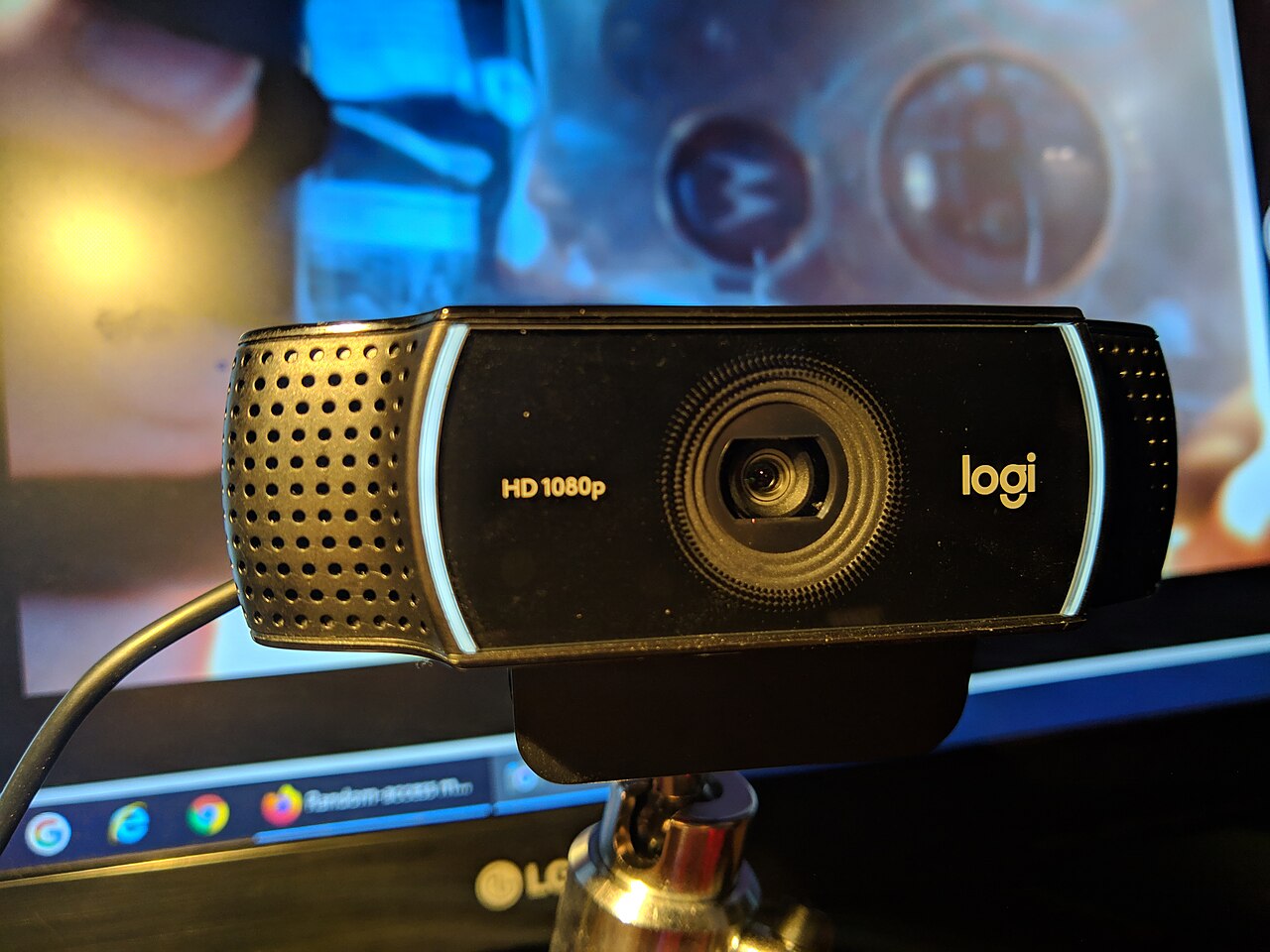
.jpg)
Resolution and frame rate standards
Webcams connect to computers over USB and rely on the USB Video Class (UVC) specification to describe their video capabilities. The USB-IF's Video Class v1.5 document set includes the class specification and payload definitions for uncompressed, MJPEG, and H.264 video.
The UVC standard defines how a camera communicates its supported resolutions and frame rates to the host computer, and how the video stream is negotiated. This allows webcams to work across operating systems without proprietary drivers.
Resolution determines the pixel count per frame, while frame rate indicates frames captured per second. Higher values require more bandwidth and processing, which the UVC payload specifications accommodate.
Ergonomic placement
The position of a webcam affects both comfort and video quality. The OSHA computer workstation eTool recommends that the top of the monitor sits at or just below eye level, with the head and neck balanced.
For a webcam, the lens should be close to eye level to maintain natural eye contact. Placing the camera too low or high can cause neck strain, as users may tilt their heads to align with the lens.
External webcams on stands or clips can be adjusted to the proper height. The eTool also advises leaving adequate space for the keyboard and mouse, which a bulky camera might otherwise occupy.
Privacy settings for webcams
Smart webcams can be accessed remotely if not properly secured. The NCSC's smart security cameras guidance explains that default passwords are often guessable and recommends changing them to a combination of three random words.
The guidance also advises keeping firmware updated and enabling automatic updates when possible. If remote viewing is not needed, disabling the remote access feature reduces the attack surface.
To prevent network exploitation, the NCSC recommends disabling UPnP and port forwarding on the router, as criminals can use these technologies to reach devices on the local network.
Broader cybersecurity guidance
For organizations, the NCSC's device security guidance covers how to choose, configure, and use devices securely, including mobile phones, laptops, and other connected equipment. It offers practical steps for guarding against internet-borne threats.
The NIST Small Business Cybersecurity Corner provides resources for small businesses to manage cybersecurity risks, including primers on security assessments and links to tools. These resources can help a small operation plan for device security.
Choosing a webcam
A broad catalog of webcam models can help compare specifications. The webcam listings provide a large number of models, allowing users to filter by resolution, frame rate, and other features.
When comparing webcams, check the supported resolutions and frame rates, and consider the privacy features such as physical shutters or built-in privacy modes.
| Action | Purpose | Where to adjust |
|---|---|---|
| Change default password | Prevent unauthorized access | Camera app or browser interface |
| Enable automatic software updates | Keep firmware patched | Camera app settings |
| Disable remote access if unused | Reduce attack surface | Camera settings or app |
| Disable UPnP and port forwarding | Avoid network exploitation | Router settings |
Frequently asked questions
What is the USB Video Class?
The USB Video Class (UVC) is a specification that defines how video devices such as webcams communicate over USB, including resolution and frame rate negotiation. The USB-IF's Video Class v1.5 document set covers payload formats like MJPEG and H.264.
How should a webcam be positioned for ergonomics?
A webcam should be placed at eye level, with the monitor's top at or below eye level, to keep the head and neck balanced. This reduces strain during video calls, as advised by OSHA's computer workstation eTool.
What are common privacy risks with webcams?
Common risks include guessable default passwords, open remote access, and router technologies like UPnP that can be exploited. The NCSC recommends changing passwords, updating firmware, and disabling remote access when not needed.
Where can detailed webcam specifications be found?
A webcam listing site provides many models with specifications and features, allowing users to compare resolution, frame rate, and other attributes.